

Changelog
What's new in Subly
Features, improvements and fixes, newest first.
 New FeatureOct 17, 2023
Meet the Subly chrome extension
Stay on top of your subscriptions while browsing the web with the Subly Chrome Extension. It is a handy tool in your browser, streamlining the way you manage subscriptions.
 EnhancementOct 03, 2023
UI Update: Enhanced Subly Experience
This update is all about refining and enhance the experience on the current features, aiming for an even more user-friendly and efficient experience.
 New FeatureSep 04, 2023
Introducing Bulk Actions
Gone are the days of updating, editing, or deleting your subscriptions one by one. With our new Bulk Actions feature, you can now perform various actions on multiple subscriptions all at once.
 New FeatureMay 29, 2023
Direct File Uploads
Now you can directly upload files to subscriptions. Enhance your subscription and recurring expense management by attaching relevant files directly to your subscriptions.
 EnhancementMar 28, 2023
Say Hello to Our New and Improved Notes!
Experience an upgraded note-taking game on Subly. Format notes related to your subscriptions and recurring expenses with ease and flexibility using the enhanced block-styled notes engine.
 New FeatureMar 15, 2023
Two-factor authentication (2FA)
With 2FA, you can now add an extra layer of security to your account by requiring a time-based one-time password (TOTP) generated by your authentication app.
 New FeatureJan 29, 2023
Introducing Webhooks
Webhooks allows you to connect Subly to other applications and automate tasks based on events within Subly
 New FeatureJan 01, 2023
Discord integration
Connect your Discord server to Subly to receive payment reminders and never miss a payment.
 New FeatureDec 21, 2022
Search & custom icons
New features make it easier to manage subscriptions with quick search, custom icons, and "add to calendar" button for payment dates.
 New FeatureDec 4, 2022
Slack integration
We are excited to announce a new integration with Slack! Now, users on paid plans will be able to receive payment reminders on their preferred Slack channel.
 New FeatureNov 28, 2022
Introducing: Team members and project budgets
Invite team members to join your Subly workspace
 New FeatureNov 01, 2022
Telegram integration & calendar view
Introducing our telegram integration and the new calendar view to visualize subscriptions
 New FeatureOct 10, 2022
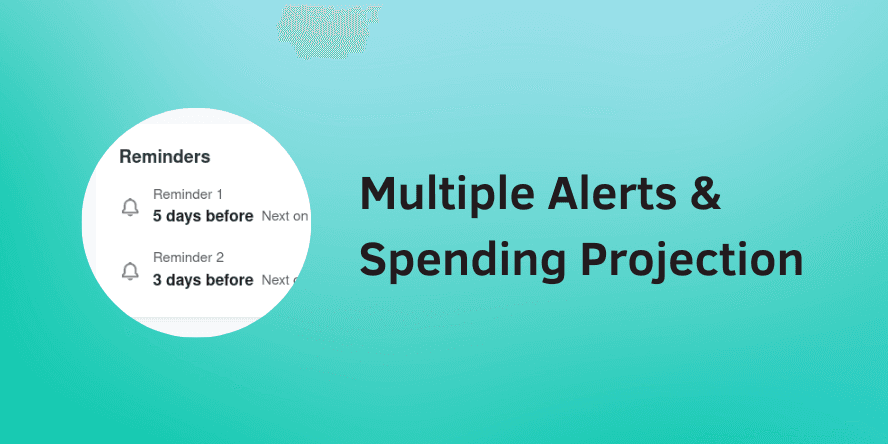
Multiple alerts, spending projection and upcoming payments
Now you can add the payment methods you are using to your subscriptions. This will allow you to get more insightful data in your reports and more ways to organize all of your recurring expenses.
 New FeatureSep 20, 2022
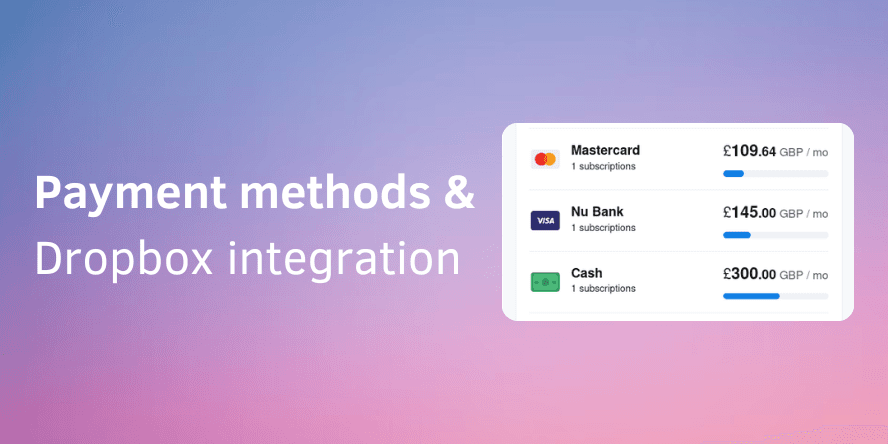
Payment Methods
Now you can add the payment methods you are using to your subscriptions. This will allow you to get more insightful data in your reports and more ways to organize all of your recurring expenses.
 EnhancementAug 25, 2022
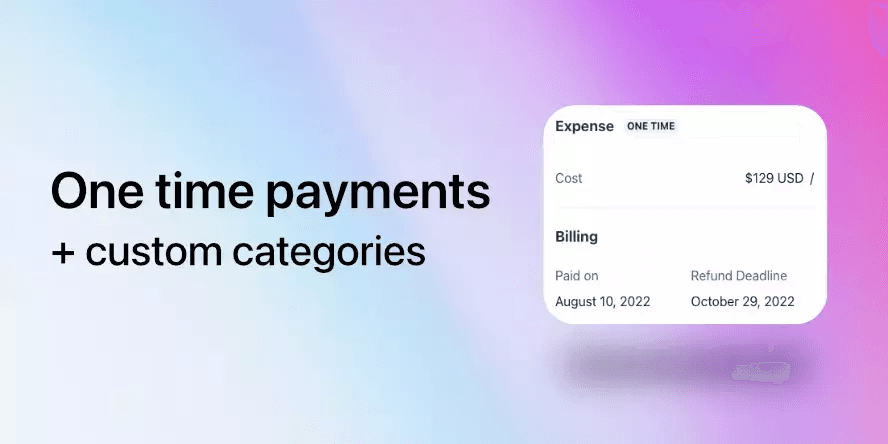
One time payments, custom categories and more
You can now add services for which you do not pay on a recurring basis. With this feature now you can use Subly to keep track of the software licenses and lifetime deals that you have
 EnhancementAug 03, 2022
New dark mode
We are excited to announce that Subly now has a dark mode! To activate the dark mode, simply go to settings and select "dark mode".
 EnhancementJul 30, 2022
Updates to charts, projects and bug fixes
The subscription reminders have been updated, now you can set when you want to receive them
 EnhancementJul 23, 2022
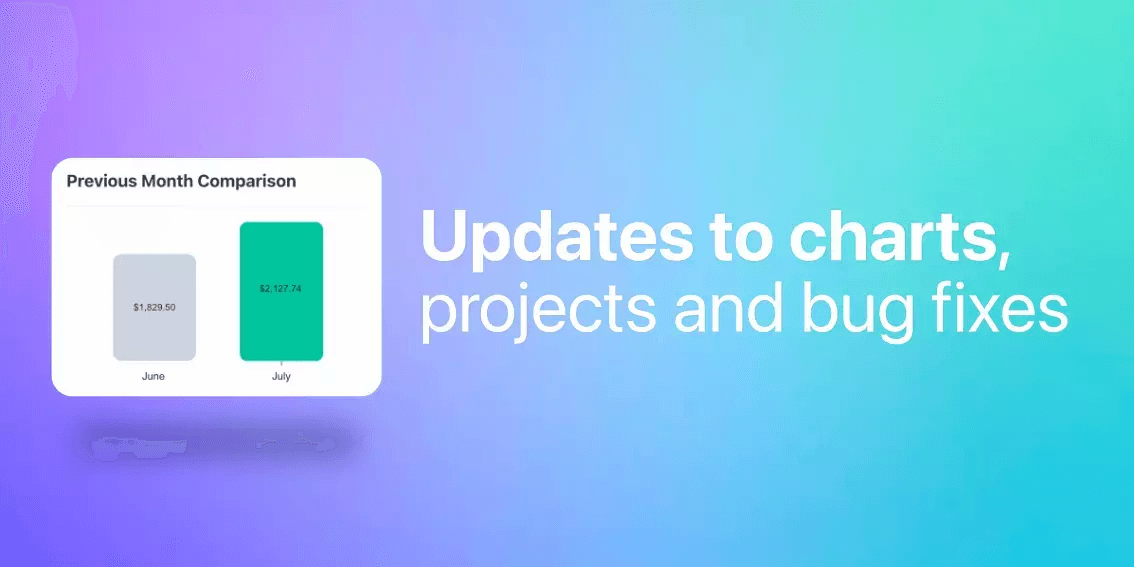
Updates to charts, projects and bug fixes
Added a new chart in the home page that shows you a comparison between the current expenses and your last month expenses. This provides a quick an easy way to get some insights on your expenses without leaving the home page.
 New FeatureJun 19, 2022
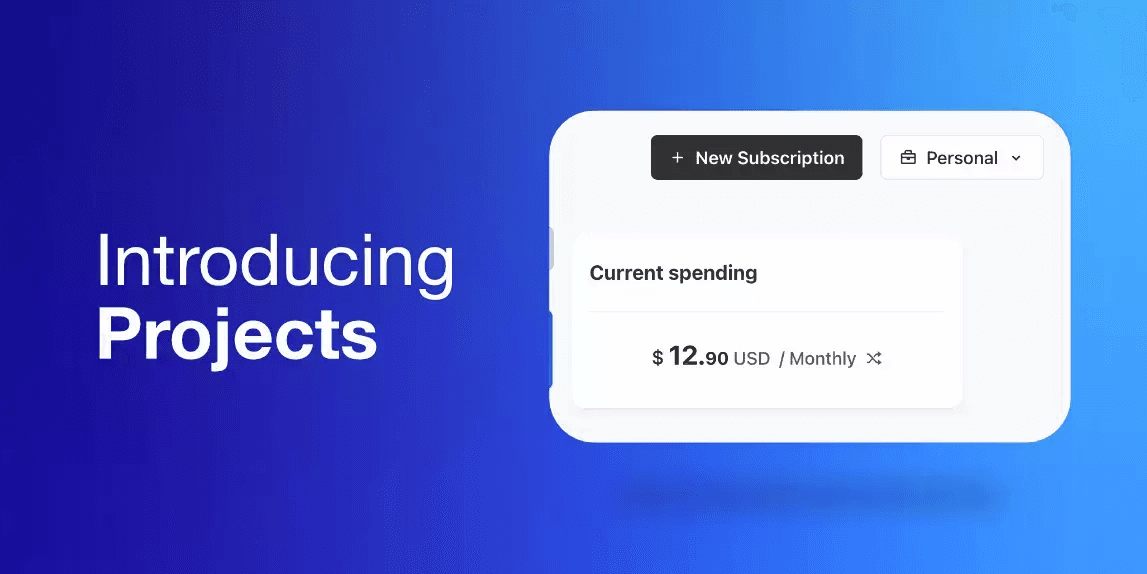
Introducing: Projects, List View and more
You can now organize your subscriptions by Projects, each project has its own set of reports and statistics
 New FeatureNov 25, 2021
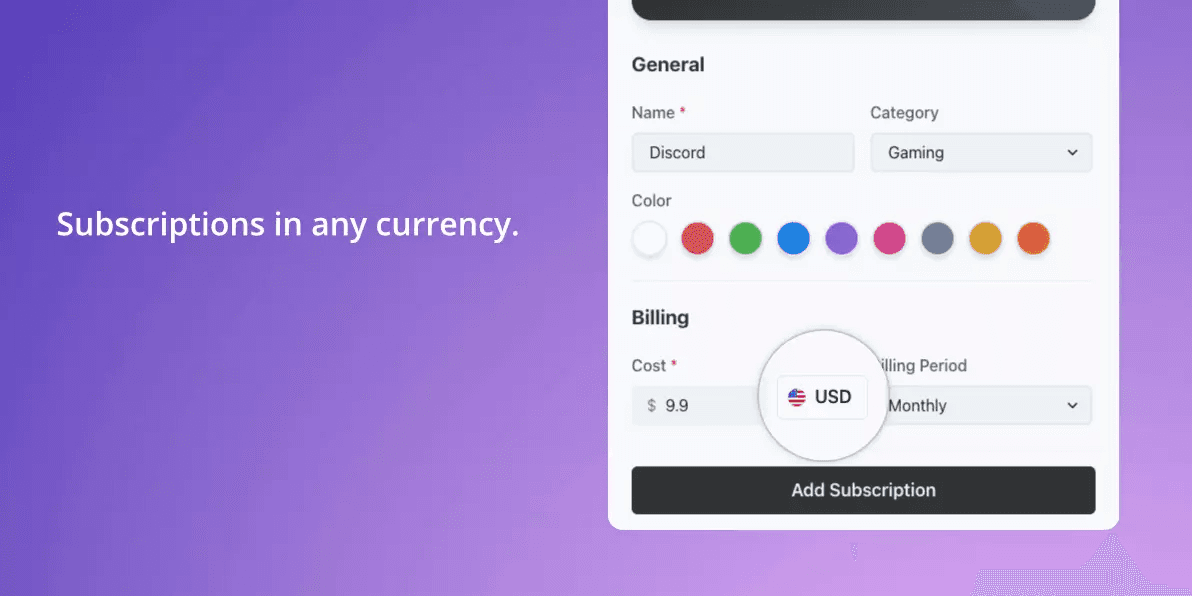
Add subscriptions in your preferred currency
Sometimes we have subscriptions in different currencies, and it can make tracking our subscription expenses even more difficult. Subly can now help you with this; when you edit or add a subscription, you will be able to select the currency in which it is paid